Describe your promo. AI designs it. It schedules itself.
Your business screens, always up to date — no designer, no agency and no editor to learn.
Also known as AI digital posters: the same idea, without USB drives or printed posters.
20-minute live demo · No commitment · We reply within 24 h
- 01 You describe your promo
- 02 AI designs it
- 03 It schedules itself
No USB sticks, no printed posters. Change the promo from your phone and it publishes across every location. Compare USB vs. Displei.co

Scary good prices on jackets this Halloween
−30%

Your screen schedules jacket campaigns like this from COP $129,000/mo + VAT in Colombia.
Works on screens and tablets
Real examples
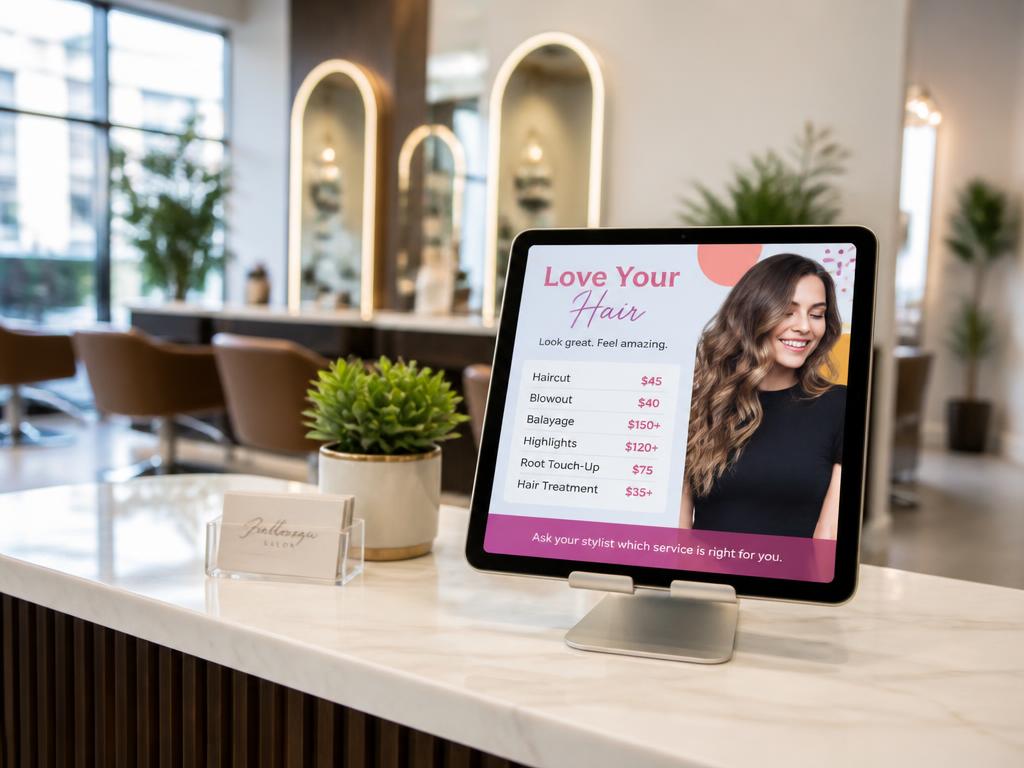
Beauty salonServices and prices always up to date 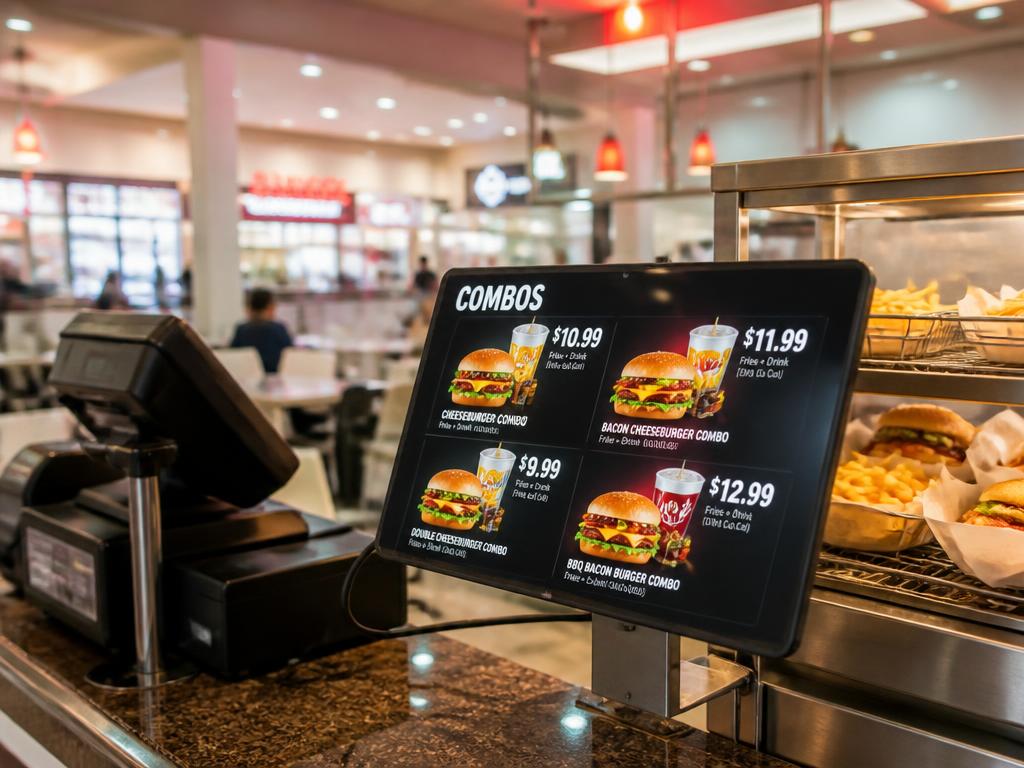
Food courtChange combos and prices in seconds 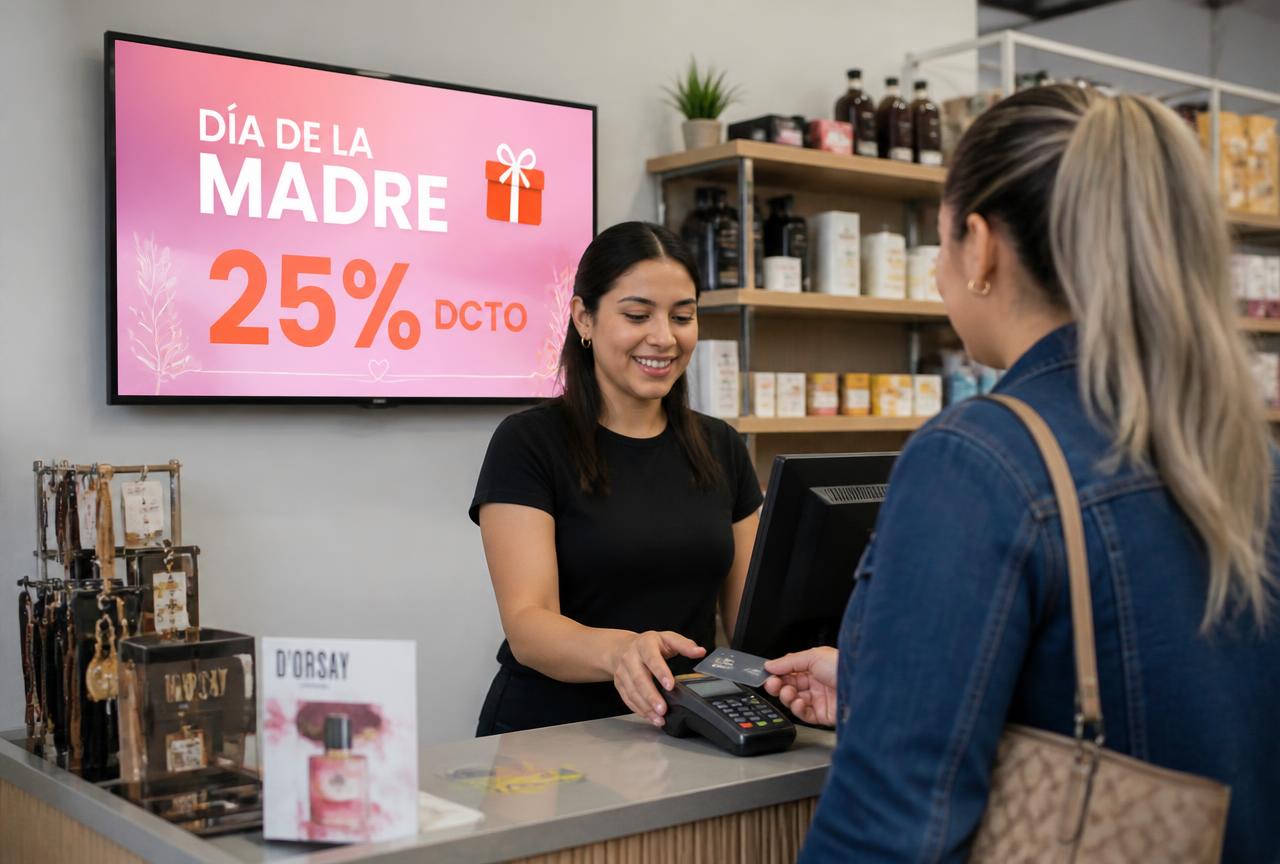
RetailSeasonal promos scheduled by date 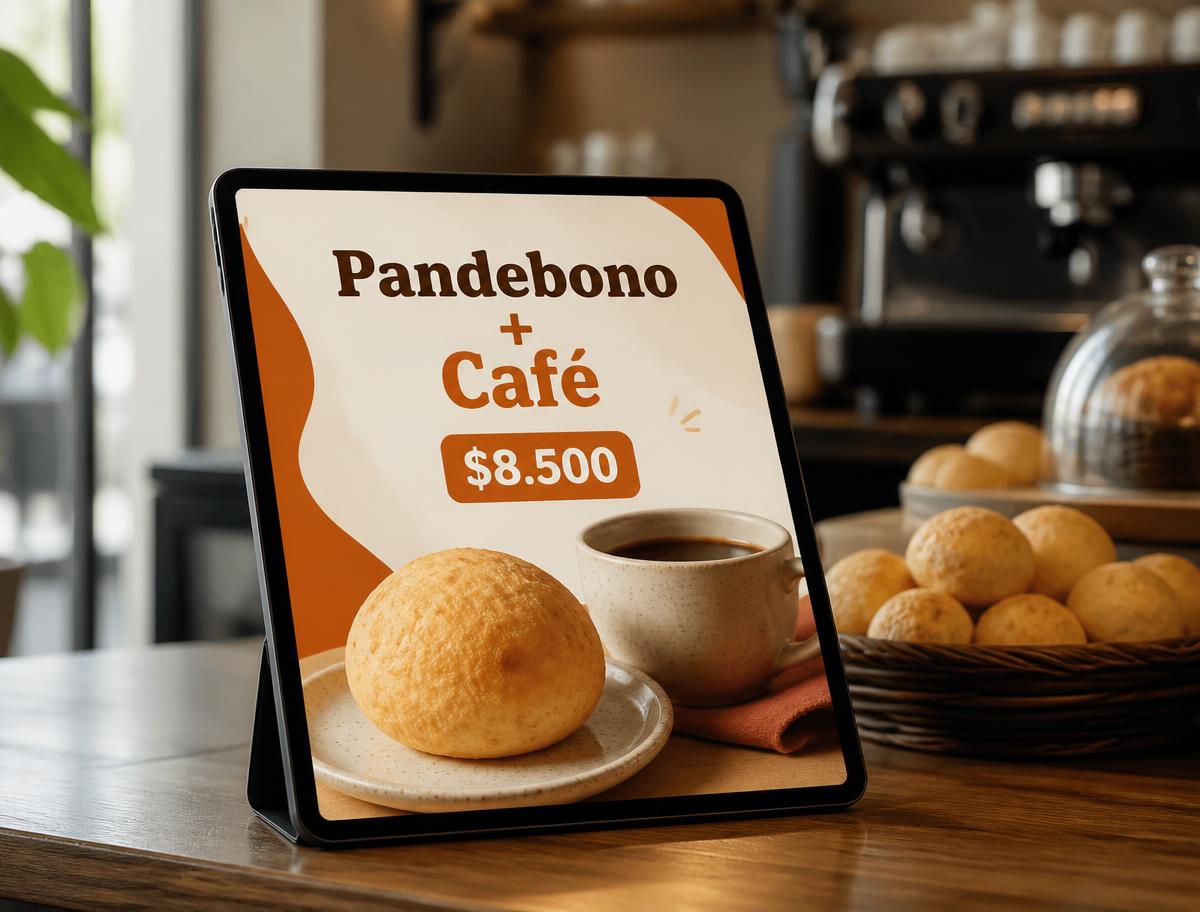
Coffee shopDaily combos that update themselves


Built for businesses that change their offer often or want to drive sales at the point of sale
Restaurants
Daily menus and promos, no designer.
See Restaurants solutionBarbershops
Clear prices and promos on screen.
See Barbershops solutionSmall retail
Digital storefronts that change instantly.
See Small retail solutionHospitality
Welcome, services and schedules up to date.
See Hospitality solutionHealthcare
Queues, notices and waiting-room education.
See Healthcare solutionReal estate
Window displays with always-current listings.
See Real estate solutionEducation
Bulletin boards, events and calendars.
See Education solutionDOOH advertising
Screen networks with rotating ad slots.
See DOOH advertising solutionShopping malls
Directory, events and tenant promos.
See Shopping malls solutionCorporate
Internal bulletin boards for employees.
See Corporate solutionHow it works
Three steps. No templates.
From message to in-store screen, no designer needed and no TV remote to touch.
- STEP 01
Describe your promo
In one sentence, in your own words.
- STEP 02
AI designs the artwork
With your logo, colors and fonts.
- STEP 03
It publishes and schedules
On your screen, on the schedule you choose.
Includes the three steps and the paper-style poster, ready to share.
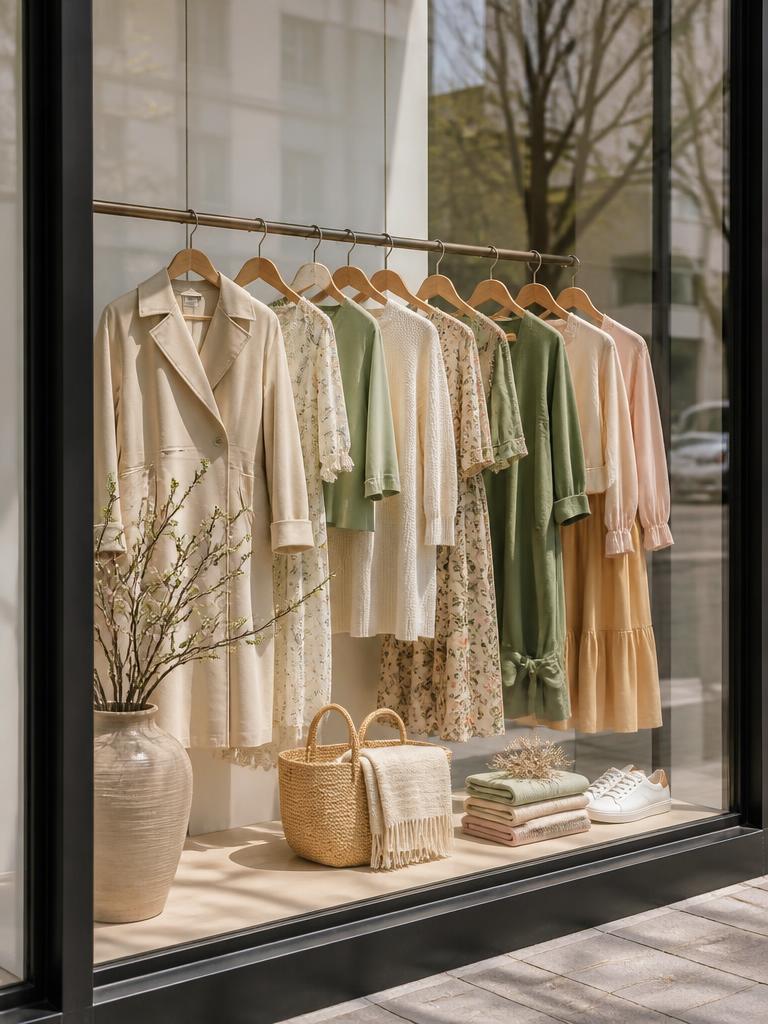
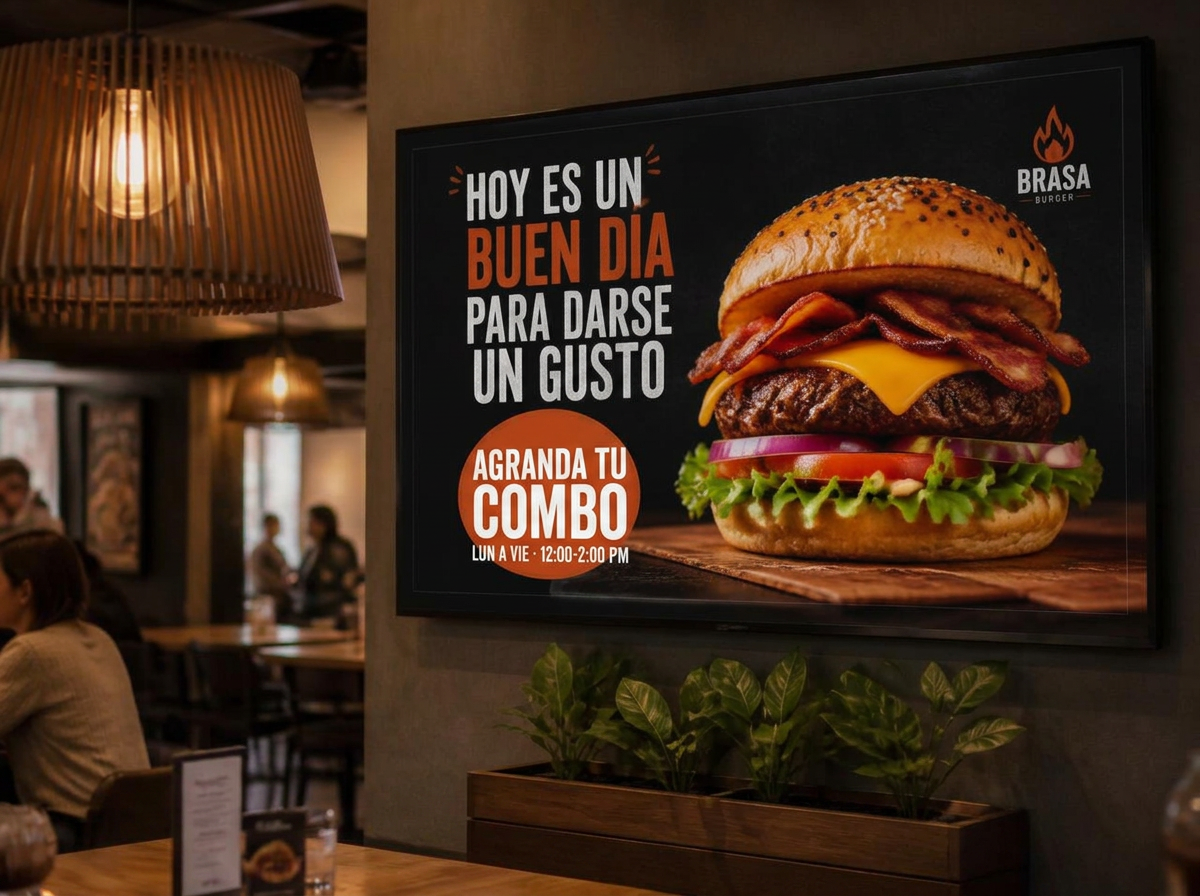
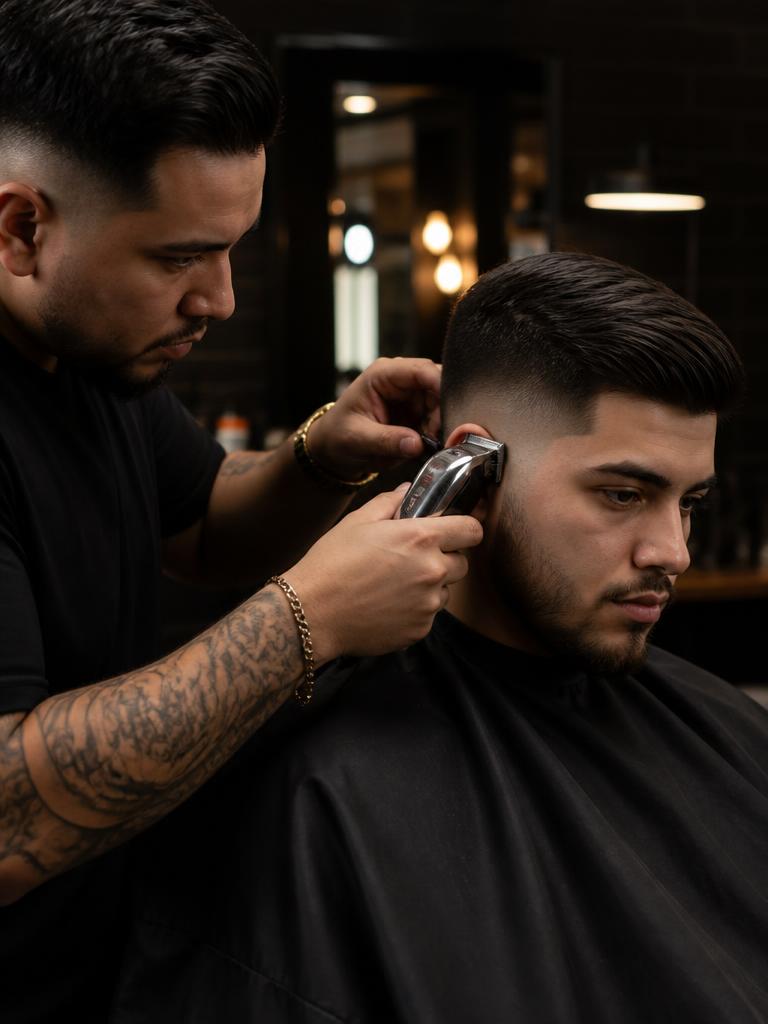
Three steps: you write the promo in one sentence, AI generates the artwork with your brand, and finally it publishes and schedules on the screen.
Use cases
Everyday promos and the artwork the AI creates
Examples from restaurants, barbershops, retail and offices: the promo the owner types, how it used to be announced, and the finished piece ready for the screen.
La Esquina Bakery
BogotáThe morning combo was announced on a printed sheet nobody could read from the line.
What the business types“Breakfast combo: cheese bread + coffee for $6,900, 6 to 11 a.m., Monday to Saturday.”

Cheese bread + freshly brewed coffee
$6.900
+23% in morning combo salesThe counter screen rotates three pieces and is scheduled by time slot: breakfast, lunch and closing.
Book a demoGallery of AI-generated artwork
Tap a piece to see it larger
Illustrative examples built from typical Colombian business cases; the names are samples.
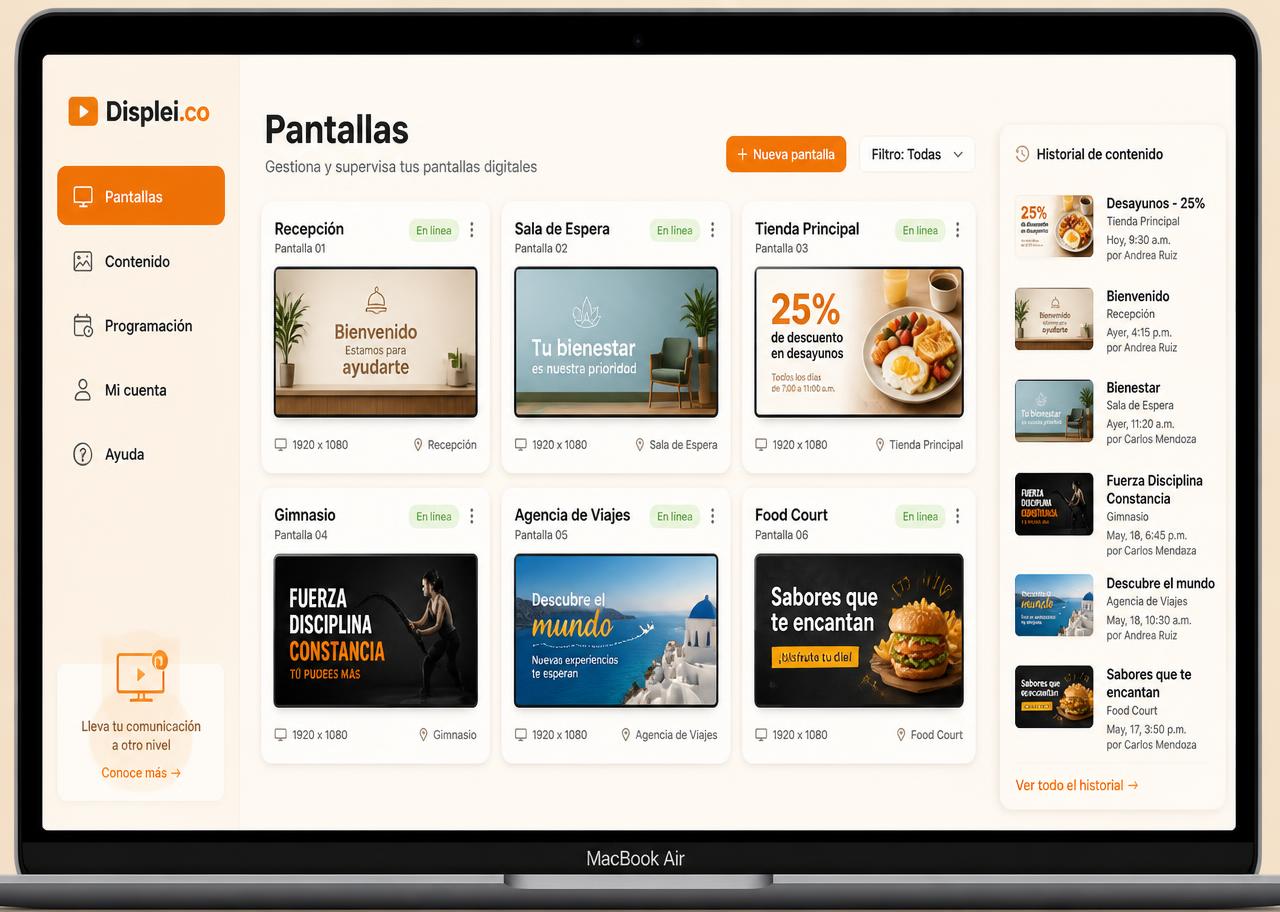
All your screens in one dashboard
Manage several locations or several clients from one place: online/offline status, publishing history and scheduling by day and time.
Results
Less time designing, more promos on screen
This is what businesses already publishing with Displei.co report.
- saved per month, per location
3 h
saved per month, per location
- from idea to screen
2 min
from idea to screen
- of posts published with no tech help
98%
of posts published with no tech help
- ease of use
4,8 / 5
ease of use
“I used to print a new sign every week. Now I write the day's promo on my phone and within two minutes it's on the counter screen.”
3 fewer design hours per month
“I scheduled the Tuesday 2-for-1 deal once, and it turns on and off by itself. My barbers don't have to touch anything.”
Fully booked Tuesdays
“Updating the campaign on our three store screens used to take two days. Now I do it in five minutes from the register computer.”
From 2 days to 5 minutes
Average metrics from the Colombia pilot and testimonials from participating businesses; results vary by location.
Pricing
Clear plans, in Colombian pesos
No long-term contract. Cancel anytime from your panel.
Essential
Digital signage for a single location — restaurants, barbershops and small shops with up to 3 screens.
$ 129.000
per month + VAT 19%
Up to 3 screens included
Need more? Each extra screen costs $ 39.000 + VAT 19% per month. From 4 screens total, upgrading to Pro is usually better. You can also write us for Enterprise.
$ 153.510 with VAT included
- Full digital signage software
- Up to 3 screens included
- Up to 5 AI artwork generations per month
- Manage multiple devices from one panel
- Automatic content scheduling
- Menu and promo templates in COP
- Spanish support, Colombia time
Pay by card, PSE, Nequi or Bancolombia · Cancel anytime
Most chosen
Pro
Digital menu and digital signage for multiple locations, with content that updates all day on up to 10 screens.
$ 397.000
per month + VAT 19%
Up to 10 screens included
$ 472.430 with VAT included
- Everything in Essential
- Up to 10 AI artwork generations per month
- Stream videos from your library
- Manage up to 10 screens
- Advanced playlists and schedules
- Priority WhatsApp support
Pay by card, PSE, Nequi or Bancolombia · Cancel anytime
Enterprise
Custom digital signage for chains and corporate operations with multiple locations in Colombia.
Tailored to you
We quote based on screen count, locations and needs
- Everything in Pro
- Screens and AI generations tailored to your needs
- Multi-location with per-user permissions
- Custom integrations and content
- Dedicated onboarding and support
- Corporate billing and contract
We reply via WhatsApp or email during Colombia business hours
Prefer to see it before deciding? Book a 20-minute live demo, no commitment.
Comparison
What changes when you upgrade?
Start with Esencial and up to 3 screens. If your business grows or you need more screens, video, or priority support, move up to Pro. For chains or special needs, we design Enterprise.
Screens included
Essential
Up to 3
Pro
Up to 10
Enterprise
Unlimited / custom
AI generations per month
Essential
5
Pro
10
Enterprise
Custom
Video from your library
Essential
Pro
Enterprise
Content scheduling
Essential
Basic
Pro
Advanced (playlists & hours)
Enterprise
Advanced + per-location permissions
Support
Essential
In Spanish, Colombia time
Pro
Priority WhatsApp
Enterprise
Dedicated account support
Billing
Essential
Monthly or annual (10% off)
Pro
Monthly or annual (10% off)
Enterprise
Corporate contract
What if I need more than 3 screens on Essential?
You can add extra screens to the Essential plan for COP $39,000 + 19% VAT each per month. From 4 screens total, it is usually more convenient to move to Pro. If you need more than 10 screens, Enterprise is the best fit.
Example: Essential with 4 screens = COP $168,000 + 19% VAT per month; Pro with 10 screens = COP $397,000 + 19% VAT per month.
How do I upgrade from the dashboard?
- Sign in to your Displei.co dashboard.
- Go to Settings → Plan & billing.
- Select the new plan (Pro or Enterprise).
- Pay only the prorated difference until the next billing cycle.
- Activation is immediate: no reinstallation needed and your content stays.
If you’re already on Pro and need more screens, locations, or custom content, we’ll build an Enterprise quote for you via WhatsApp or email.
Frequently asked questions about plans and scaling
Screen formats and their one-time cost
TV + Android box
COP $140,000–$400,000 (one-time)
- Turns any HDMI TV into a display
- The most affordable way to start
- Great for wall-mounted menus and promos
Smart TV with Android TV
No extra cost
- Installs directly on the TV you already own
- Zero extra hardware, zero new cables
- Up and running in minutes
Standalone tablet
COP $320,000–$600,000 (one-time)
- Perfect for the counter or window
- Supports touch interaction
- Easy to move around
For business owners
What owners ask before signing up
Pricing, setup time, your brand, multi-location publishing, and support. No fine print.
PricingHow much does it cost per month and what does each plan include?
Esencial is COP $129,000 + VAT per month and covers 1 screen plus AI-generated artwork. Pro is COP $397,000 + VAT and covers up to 10 screens, 10 images per month, and video. Enterprise is tailored for multi-location networks. You pay in Colombian pesos with PSE, Nequi, or card and can cancel anytime.PricingIs there a lock-in contract or hidden setup fee?
No lock-in and no setup fees. You pay monthly (or annually at a discount) and can downgrade or cancel from your dashboard; we show the impact before you confirm.TimingHow long until my first screen is live?
Same day. You connect the Smart TV or tablet, describe your promo in one sentence, and the first design goes live in minutes. The live demo takes 20 minutes and already shows your business with your own prices.BrandDoes it respect my brand colors, logo, and typography?
Yes. You upload your logo and set your colors and typography once in My brand; from then on every AI-generated design follows that identity, in landscape or portrait depending on your screen.PublishingHow do I publish across locations and schedule promos by time slot?
You pick the screens or the group of locations and publish from your phone. You can schedule by day and time slot — for example, the lunch combo only from 12:00 to 2:00 p.m., Monday to Friday — and the screens switch on their own.CompatibilityDoes it work with the TV or tablet I already have?
Yes. It works on Android TV smart TVs, TVs with an Android box, and Android tablets. You don't need to buy new hardware to start; if you later want a dedicated device, we help you source it in Colombia.PublishingWhat happens if the internet goes down at my location?
The screen keeps showing the last downloaded content. When the connection returns it syncs on its own with whatever you published, and we alert you if a screen has been offline for too long.SupportWhat support do I get and when?
Support in Spanish over WhatsApp and email, Monday to Friday from 8:00 a.m. to 6:00 p.m. (Colombia time). We help you with the initial setup and answer questions about publishing, billing, and hardware.
Still have a specific question? We cover everything in the 20-minute demo.
Frequently asked questions
How the AI builds your promo and gets it on screen
What business owners ask us most before getting started.
20 questions found
Still have a question?
20-minute live demo, no commitment. You can also message us.